
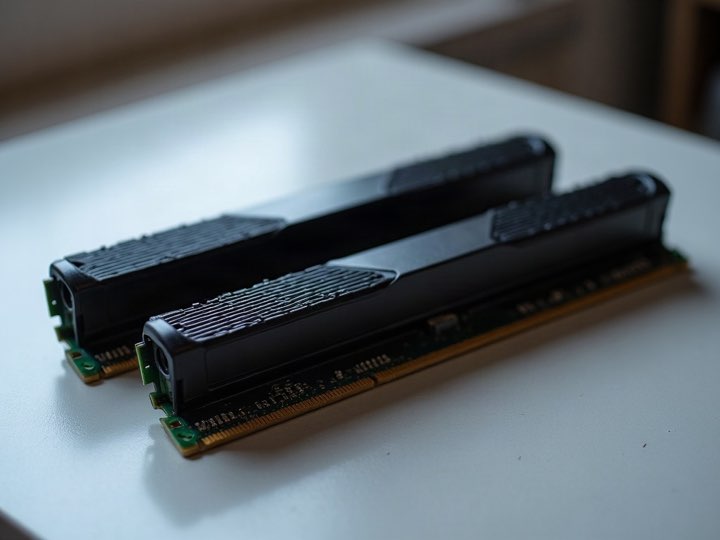
Upgrading usually makes sense when
-
One component is clearly the bottleneck
A machine that is fine except for its graphics card is a card away from being fine.
-
The platform still has somewhere to go
Free memory slots, a spare drive bay, a socket that takes a better processor than the one in it.
-
The problem is storage
Moving from a mechanical drive to an SSD changes how a computer feels more than almost any other single change.
-
The power supply and case are sound
Those are the parts worth keeping and the least worth buying twice.
Replacing usually makes sense when
-
The socket is a dead end
If a meaningful processor upgrade means a new motherboard, it also means new memory, and at that point you have replaced the machine one part at a time at a worse price.
-
Several things are marginal at once
Fixing one bottleneck just moves it to the next.
-
It is a laptop
Memory and storage are often soldered, and the parts that fail — battery, screen, hinges — are the expensive ones.
-
The repair costs approach the machine's value
A known replacement cost that exceeds what the thing is worth is a straightforward answer.
The part people get wrong
Upgrading is usually compared against buying new, and the old parts are left out of the sum entirely. They should not be.
The graphics card you are replacing, the memory you are pulling out, the drive you are retiring — those are worth something today and less every year they sit in a drawer. Counting them changes the arithmetic on both routes, and it is the step most people skip.
That is the whole reason this page exists on a buyback site rather than a repair one. What the old parts are worth →
What to do with what comes out
Whichever way you go, something is left over.
-
Graphics cards, processors, memory, drives and motherboards
Are all bought individually. No need to have a whole machine.
-
Drives
Are securely erased at no charge, with a certificate on request, so retiring one does not mean keeping it in a drawer for safety.
-
Anything not worth buying
Is recycled free on the same visit, so the leftovers do not need a second destination.
Loose power supplies are not bought. Neither are failed drives — worth knowing before you pull one out to sell separately.
We will not tell you what to buy
We buy hardware, we do not sell upgrades or fit them, so there is no version of this where we benefit from steering you toward one answer. What we can tell you accurately is what the parts coming out are worth, which is the half of the decision most people are missing.
Call (210) 710-2020 with the model of whatever you are replacing.
Common questions
Will you buy the parts I take out of my machine?
Yes, individually — cards, processors, memory, drives and motherboards. A whole machine is not required.
Do you do upgrades or repairs?
Not here. Buyback Geeks is the buyback division of Alamo Geeks LLC, and this page is about what the old hardware is worth.
Is it worth upgrading a laptop?
Sometimes, if the memory and storage are not soldered. If the battery, screen or hinges are the problem, it usually is not.
Should I sell the old parts before or after I buy the new ones?
Whichever suits you. The parts do lose value over time, so the main thing is not letting them sit in a drawer for a year.