
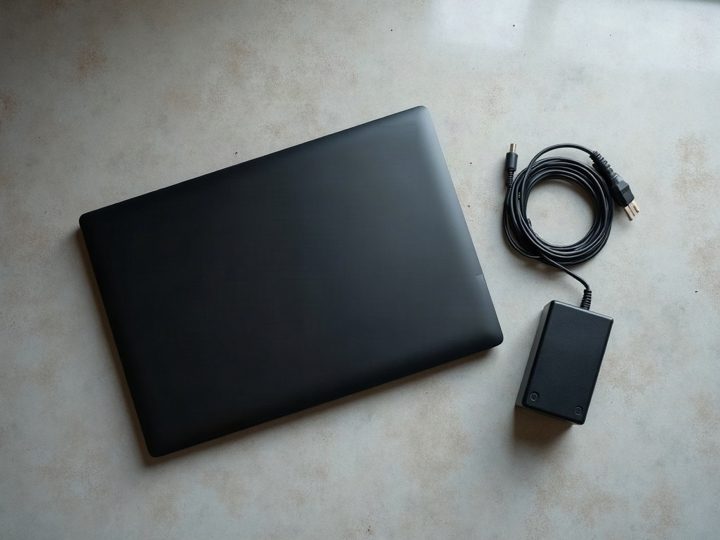
The sticker underneath is the fastest route
Close the laptop, turn it over, and read the label. Manufacturers each use their own name for the same idea, and any of them identifies the machine exactly.
- Dell — a seven-character Service Tag, sometimes on a pull-out card on business models.
- Lenovo — a Machine Type Model, four digits then three characters, printed as MTM.
- HP — a Serial Number plus a Product Number. The product number is the useful one.
- ASUS, Acer, MSI — the model is printed in full, often with the serial beneath it.
Sticker worn away? The same identifiers are in the BIOS. Tap F2 or Delete as the machine starts and read them off the first screen.
From inside Windows, without opening anything
- Press Windows + R, type
msinfo32and press Enter. Read System Manufacturer, System Model and BIOS Version. - Or open Settings → System → About, which gives the device name, processor and installed memory on one screen.
- For the serial, open Terminal or PowerShell and run
Get-CimInstance Win32_BIOS. The SerialNumber field is the same string as the sticker.
Screenshot whichever screen you land on and text it over. That is usually faster than typing the numbers out.
Why the tag matters more than the name
A model name describes a family, not a machine. One ThinkPad T14 line covers several processor generations, three or four memory configurations and both integrated and discrete graphics, and those differences move the value more than the badge on the lid does.
The service tag or product number resolves to the exact configuration the machine left the factory with — processor, memory, storage and screen. It removes the guesswork before you drive over.
What else to check while it is upside down
- Screen condition. A cracked screen is a hard no, so it is worth establishing before the trip rather than after it.
- The charger. Proprietary chargers are awkward to source and their absence comes off the offer. Find it now.
- Battery health. Run
powercfg /batteryreportin Terminal, then open the HTML file it writes. Compare Full Charge Capacity with Design Capacity. - Whether it is Windows at all. Apple products and Chromebooks are outside what we buy, whatever condition they are in.
Common questions
The sticker is worn off and it will not boot. Now what?
Bring it in. Identifying a machine for you takes a couple of minutes and costs nothing, and a laptop that will not boot is still worth something for its parts.
Is the Windows product key the same as the service tag?
No. The product key licenses the operating system; the service tag identifies the hardware. We need the second one.
Does the original box help?
It is not needed and it does not raise the price. The label underneath tells us everything the box would.