
Task Manager, the quick way
- Press Ctrl + Shift + Esc.
- Open the Performance tab and click CPU.
- The full model is in the top-right corner — for example "AMD Ryzen 7 5800X".
System Information, for more detail
- Press Windows + R, type msinfo32, press Enter.
- Read Processor for the model and clock speed.
- Read BaseBoard Product for the motherboard, which tells you the socket.
Reading the chip itself
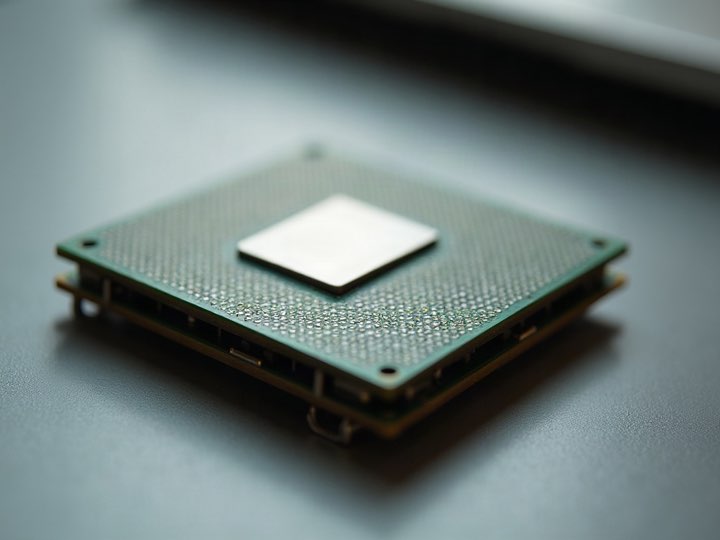
If the machine will not boot, the model is laser-etched onto the metal heat spreader on top of the processor. Intel prints the model and an FPO batch code; AMD prints the model and an OPN code.
Photograph it and text (210) 710-2020 — that etching is usually all we need.
Why the socket matters more than the model
A processor is only worth what a working platform will pay for it. Current sockets — AM5 and LGA 1851, plus AM4 and LGA 1700 — have people actively building on them, so chips that fit hold their value.
Once a socket stops being used for real builds, value falls off a cliff regardless of how good the chip was. That is why a fast processor from a dead platform can be worth less than a modest one from a live platform.
Common questions
How do I tell AM4 from AM5?
Look at the underside of the chip. AM4 processors have pins; AM5 processors have flat contact pads, like Intel. If the chip is still in the board, AM5 boards take DDR5 memory only.
Does the stock cooler add value?
A little, and it saves the next owner a purchase — so bring it if you still have it.